01
Your day, clearly logged.
Review daily duty events on a visual timeline. Keep log history and certification steps close at hand.
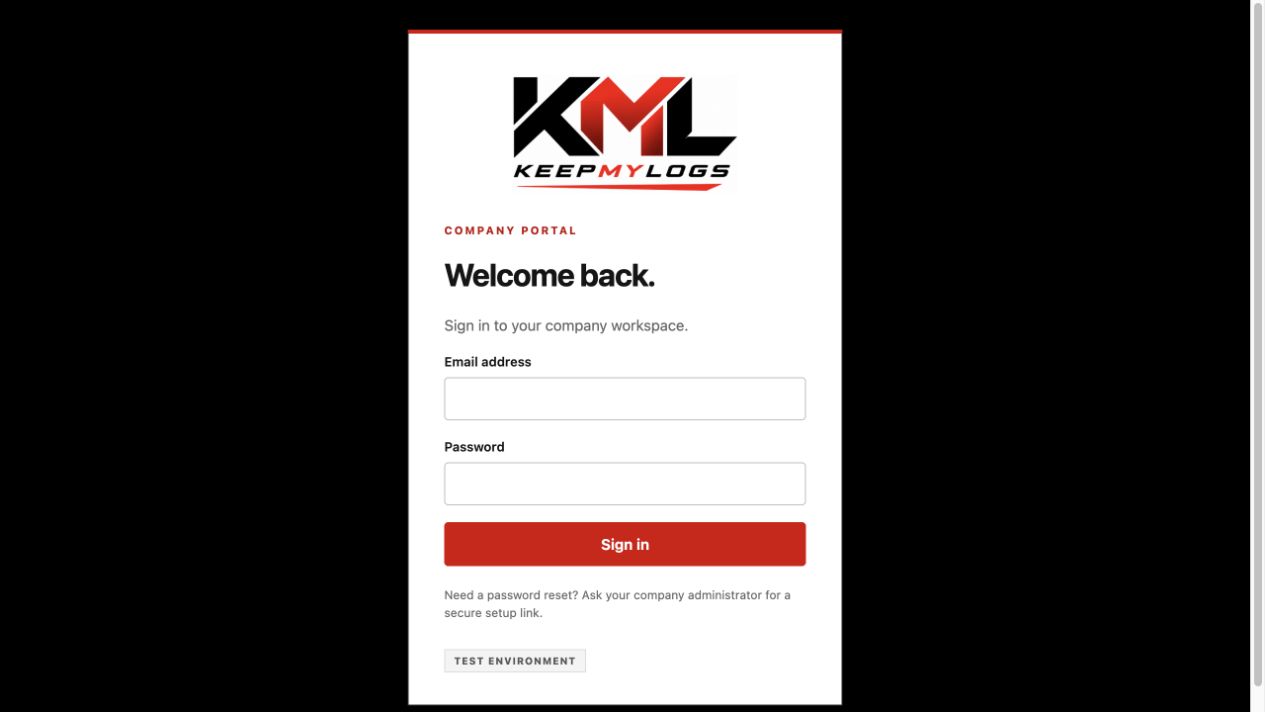
Driver experience ↗ Office login
From the driver’s seat to the dispatch desk. Bring your logs, inspections, and fleet operations into one connected workspace.
A trucking day has enough moving parts. Keep the important details together, so drivers and the office can work from the same page.
Review daily duty events on a visual timeline. Keep log history and certification steps close at hand.
Driver experience ↗Keep truck and trailer assignments, inspection records, and driver information in one organized workspace.
Office experience ↗Office-proposed log corrections go to the driver for a decision, with the original record retained.
How it connects ↗From the engine to the open road, explore how vehicle signals can turn into a clearer picture of your fleet.
Explore engine speed, coolant temperature, and battery voltage—the signals that help tell a vehicle’s story.
Illustrative experience with simulated readings. Telematics and diagnostics depend on supported hardware and vehicle compatibility; hardware integration is in development.
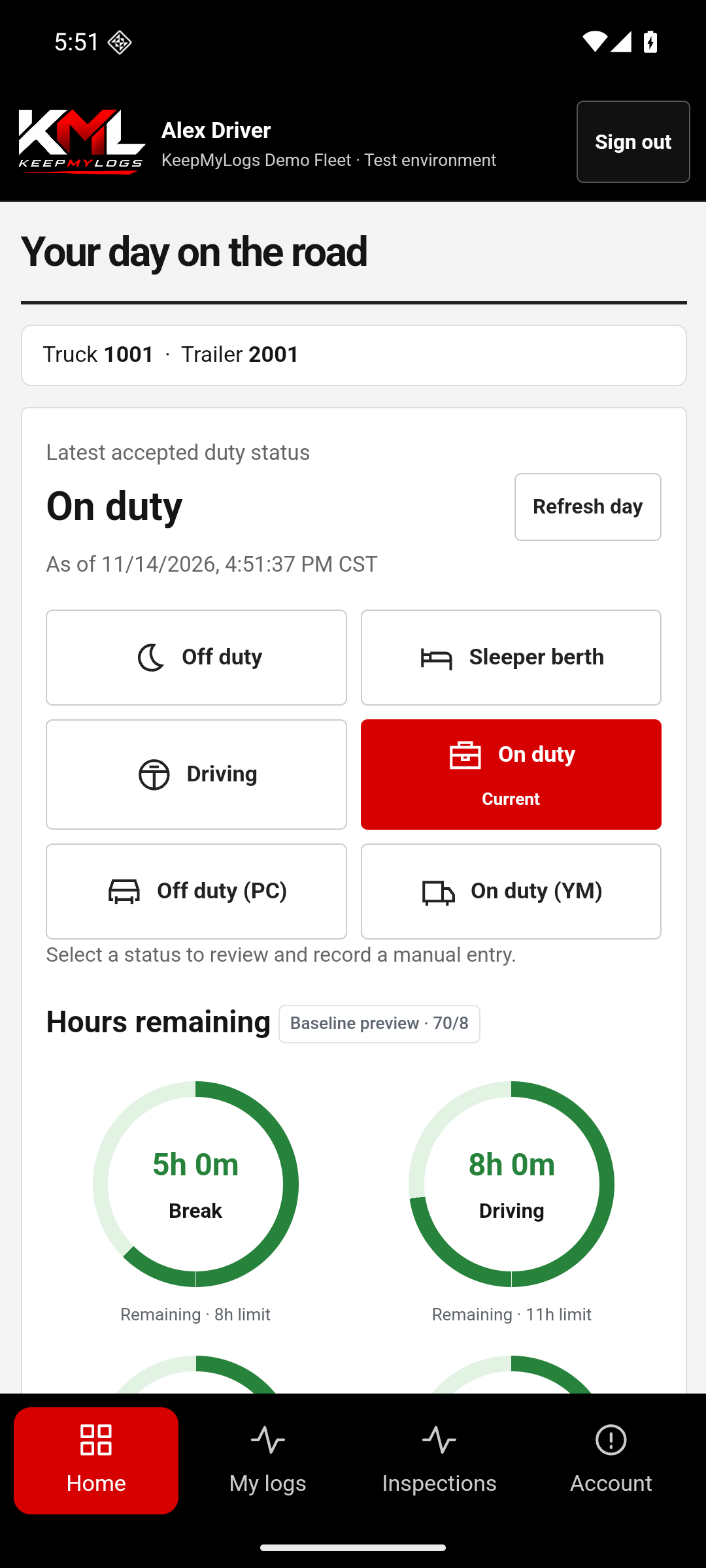
Open your day with the essentials in view. See your equipment, review your duty status, and move straight into the task at hand.
Duty status controls and visual hours previews on your home screen.
Review daily logs, annotations, and certification steps from your driver workspace.
Review proposed corrections and confirm the details with a documented decision.
A dedicated workspace for the people keeping the fleet moving. Bring driver records, equipment, and log review into one place.
Move from a driver’s log history into a daily review. Read the timeline, check events, and propose a correction for the driver to review.
Keep the conversation attached to the record—from an entry on the road to a review in the office.
The driver reviews duty events, equipment assignments, and daily log details.
The office checks the record and proposes an annotated correction when needed.
The driver accepts or rejects the proposal. Original events stay in the history.
KeepMyLogs is a developing ELD and fleet operations platform that connects a driver experience with a company office portal. The current pilot includes daily log workflows, equipment assignments, inspections, and office review.
Company users can use the office portal. Drivers can use the driver portal. These currently open the pilot environments. Your company administrator provides account access.
The driver experience supports mobile and tablet layouts, with an Android pilot available for evaluation. The current pilot requires an internet connection. Contact your company administrator about pilot access and supported devices.
The current platform is in pilot development. Hardware integration, complete hours-of-service rules, offline recording, and official roadside transfer validation remain development milestones. Pilot screens and hours previews should not be treated as proof of ELD conformance or permission to drive.
Existing pilot users can sign in through their company workspace. For a new fleet evaluation, email sales@keepmylogs.com or use the demo inquiry below.